Go High Level Lead Connector: What It Is, Where to Download It and How Agencies Actually Use It
Go High Level Lead Connector: What It Is, Where to Download It and How Agencies Actually Use It
If you’ve spent any real time inside Go High Level, you’ve already dealt with LeadConnector.
You might not have noticed it at first.
Until something stopped working.
A message didn’t send.
A number didn’t connect.
A workflow didn’t trigger.
Now you’re clicking through settings trying to figure out what broke.
That’s usually when people start searching:
Go High Level Lead Connector
What LeadConnector Actually Is
LeadConnector is what powers communication inside Go High Level.
It handles things like:
SMS messages
phone calls
emails
voicemail
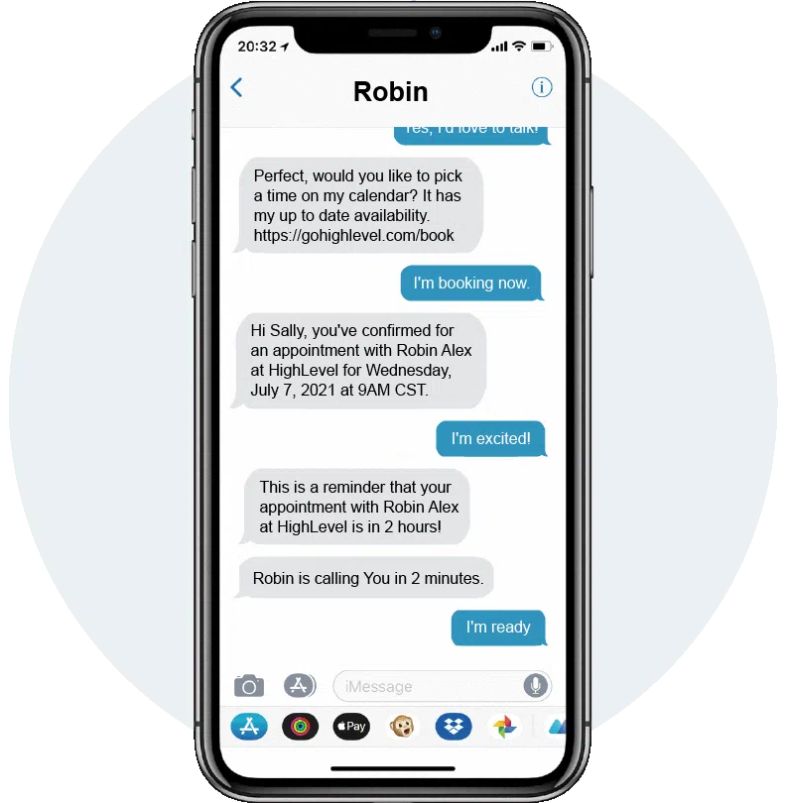
messaging inside workflows
When a lead gets a text…
when a call goes out…
when a message shows up in conversations…
That’s LeadConnector doing the work.
You don’t manage it directly most of the time. It just runs in the background.
Why It Feels More Complicated Than It Should
On paper, this should be simple.
In reality, it’s not.
Because LeadConnector sits between multiple layers:
Go High Level
phone/SMS systems
compliance (A2P registration)
account setup and permissions
So when something breaks, it’s not always obvious where the issue is.
And that’s where time starts disappearing.
The Part Most Agencies Skip: The LeadConnector App
There’s one piece of this that gets overlooked all the time.
The mobile app.
👉 https://www.leadconnectorhq.com/
Most agencies either:
don’t mention it
rush through it during onboarding
or assume clients will figure it out
They usually don’t.
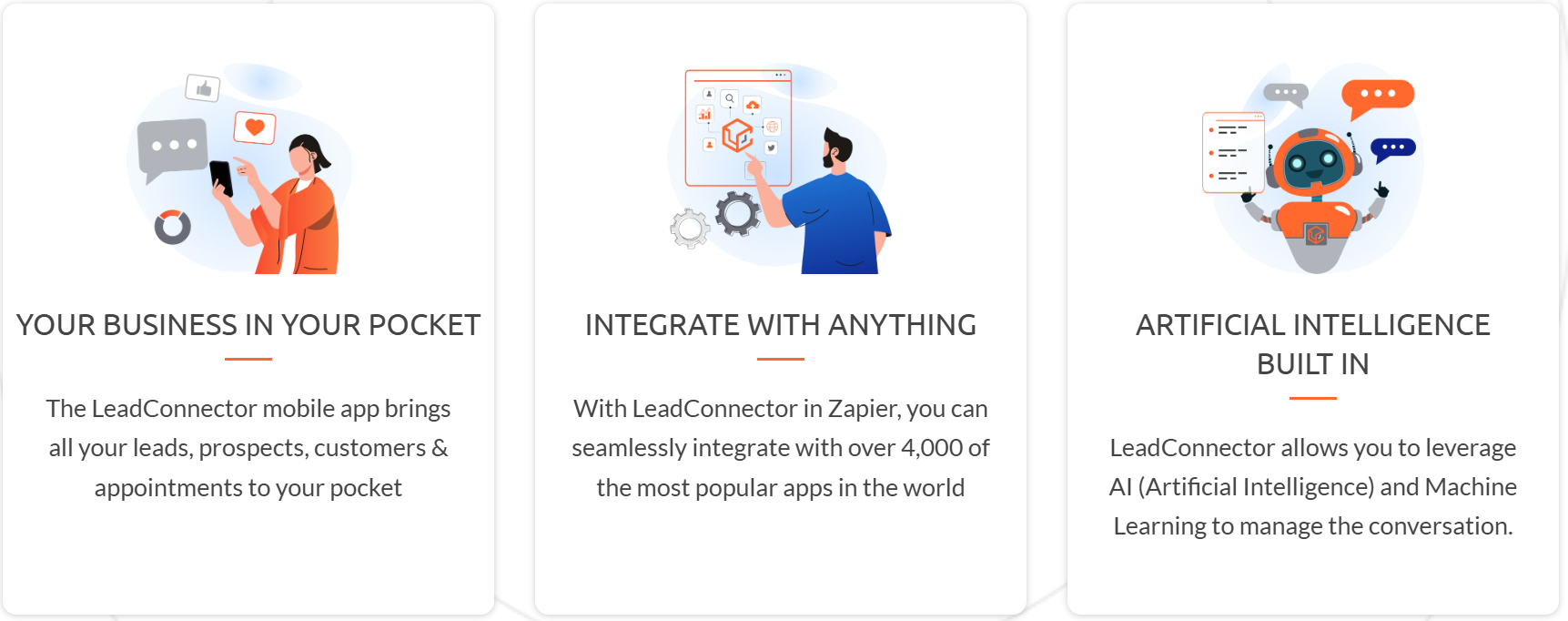
“Your Business in Your Pocket”
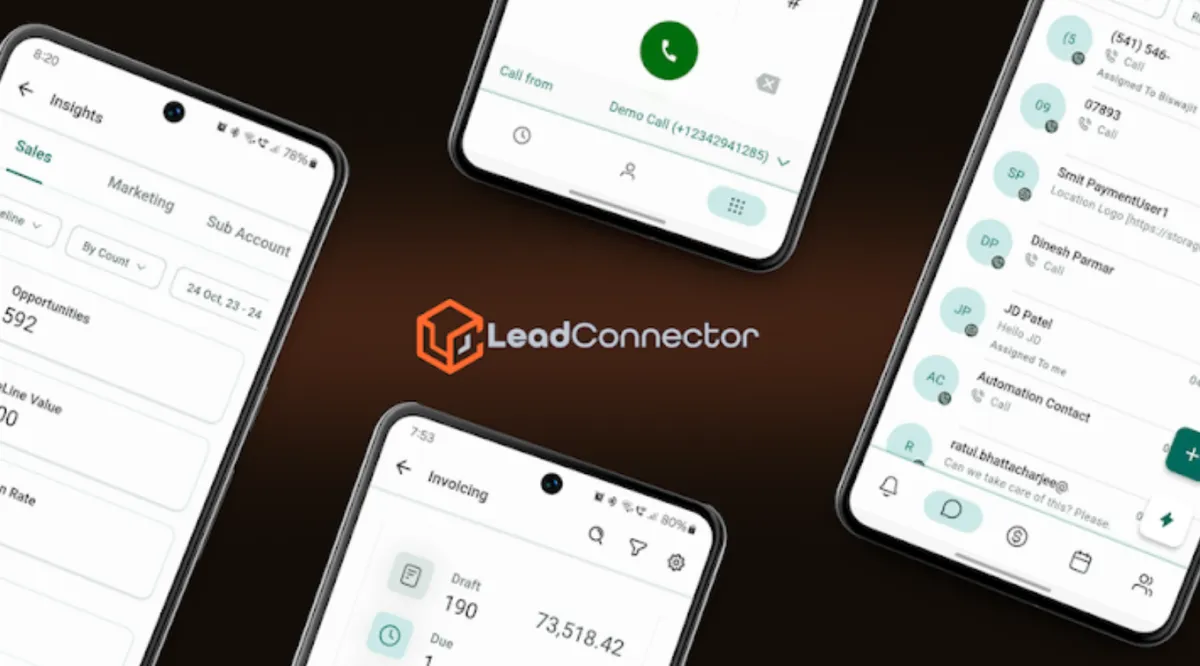
The LeadConnector app is basically the mobile version of Go High Level.
But that description doesn’t really land.
A better way to think about it:
it puts your business in your pocket
From your client’s perspective, that means:
messages show up instantly
they can reply right away
leads don’t sit waiting
everything feels easier to manage
No logging into a desktop. No delay.
Just faster response.
What Clients Can Actually Do With It
Once it’s set up properly, clients can:
respond to SMS and messages in real time
see new leads as they come in
manage conversations
check appointments
follow up on the go
Nothing complicated.
Just easier access to what they already need.
What Happens When Clients Start Using It
This is where things shift.
Once clients actually start using the app:
they respond faster
they stay more engaged
they check conversations more often
they miss fewer leads
And in a lot of cases:
they get hooked on it
Not because it’s advanced.
Because it’s simple.

Why This Matters More Than Most Setup Work
Agencies spend a lot of time on:
funnels
workflows
automations
All important.
But none of that matters if the client doesn’t respond to leads.
Speed of response still wins.
And the LeadConnector app directly impacts that.
It’s Not Just an App (Even If It Looks Like One)
Behind the scenes, LeadConnector connects into everything.
It ties into:
workflows
automation
integrations (like Zapier)
AI-driven messaging
Most clients won’t care about that part.
They care about one thing:
“Did I see the message, and did I reply fast enough?”
That’s what actually drives results.
Where Things Start Breaking
Even when things look set up, issues still come up.
Here’s what agencies deal with most:
SMS not sending
A2P not approved
number not assigned
restrictions or limits
Calls not working
routing issues
number setup problems
user configuration
Numbers not connected
not assigned correctly
not linked to workflows
sitting unused
Workflow issues
triggers not firing
conditions not met
communication misaligned

A Lot of “LeadConnector Issues” Aren’t Actually LeadConnector
This is where things get overlooked.
A lot of problems come from:
login confusion
wrong account access
permissions issues
poor onboarding
If a client is in the wrong account or can’t access things properly, nothing else works the way it should.
If that’s part of what you’re dealing with, this guide on Go High Level login breaks down where to sign in, when to use app.gohighlevel.com, when to use a white label login, and what to check when access isn’t working.
Why This Becomes an Agency Problem
For one account, this is manageable.
For an agency, it stacks.
You’re dealing with:
multiple clients
different setups
repeated issues
constant support questions
And none of it is hard.
It’s just constant.
Where Most Agencies Get Stuck
It’s not that LeadConnector is broken.
It’s that:
setup takes time
clients don’t understand it
issues repeat
troubleshooting isn’t standardized
So every time something breaks, your team has to stop and check everything again.
And it keeps happening.

Where This Turns Into a Bigger Issue
At some point, most agencies hit this moment:
“Why are we still dealing with this?”
Because it keeps coming back.
new clients need setup
existing clients have issues
messages stop working
something needs fixing
And it pulls your team back into the backend.
A Simpler Way to Handle It
At a certain point, it’s not about learning Go High Level better.
It’s about not wanting to manage all of this yourself.
That’s where backend support comes in.
Tikix handles the operational side of Go High Level:
onboarding
LeadConnector setup
A2P registration
troubleshooting
ongoing support
So instead of your team digging through settings every time something breaks, it gets handled properly behind the scenes.
Bottom Line
LeadConnector is what makes communication work inside Go High Level.
When it’s set up right, everything feels smooth.
When it’s not, things slow down quickly.
The app makes it easier for clients to actually use the system.
But it also creates more setup, more questions, and more ongoing support.
And for most agencies, that’s where the real bottleneck is.
Not in learning the platform.
In keeping everything running consistently.